

Compare strikes before you place the simulated trade.
Option Chain helps you judge the setup before you move to the chart.
Option Chain in ZeroStake helps you compare strikes, OI, and PCR for Nifty and BankNifty setups, then move straight into Trade on Chart, Replay Trading, Orders, Portfolio, and P&L Statement inside the simulator.
Option Chain helps you judge the setup before you move to the chart.
They make the option chain more useful when deciding on a trade.
ZeroStake is built for Nifty and BankNifty practice, so index-option setups feel natural here.
That handoff is one of the clearest differences between a useful simulator and a disconnected chain viewer.
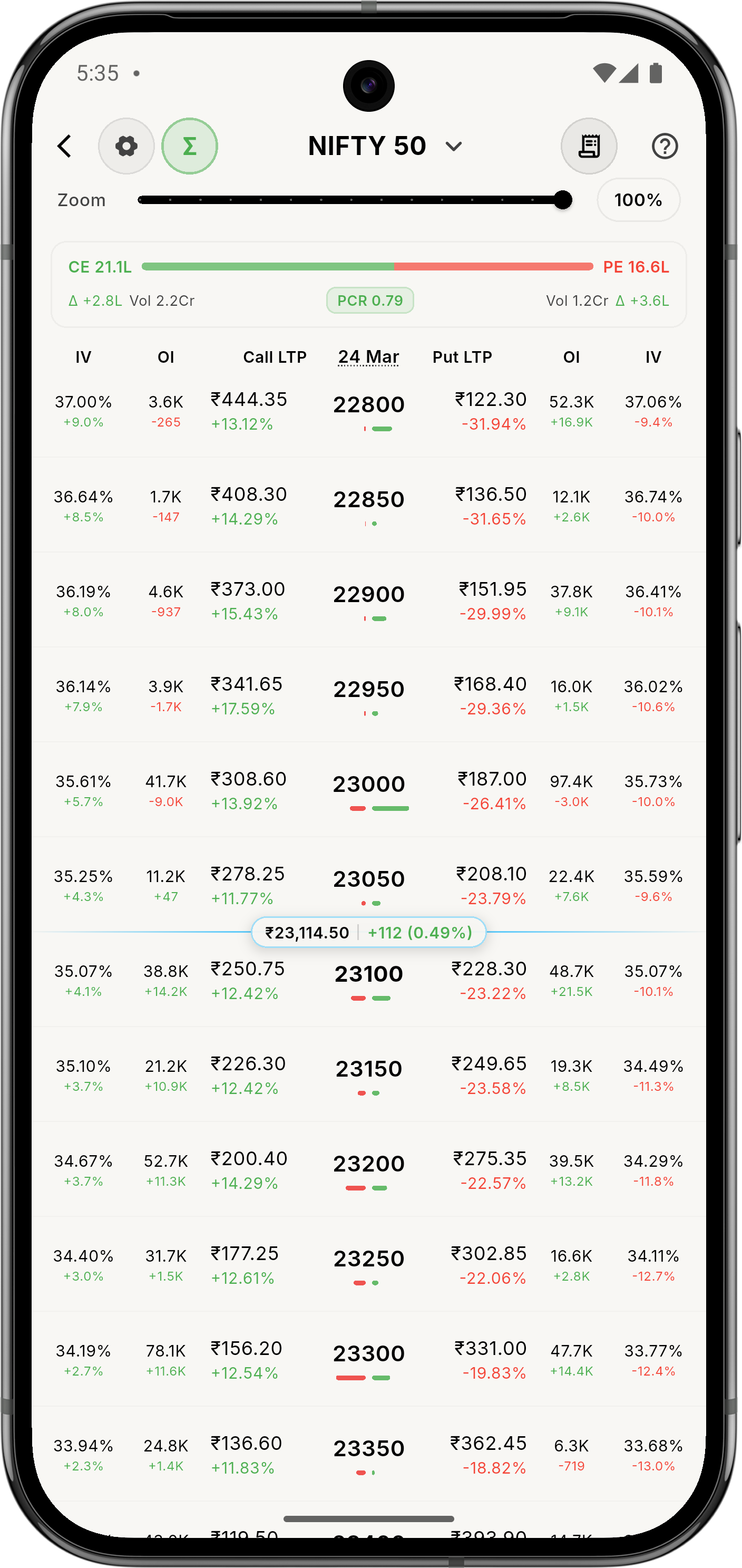
Compare strikes, OI, and PCR before you move to the chart or a replay session.
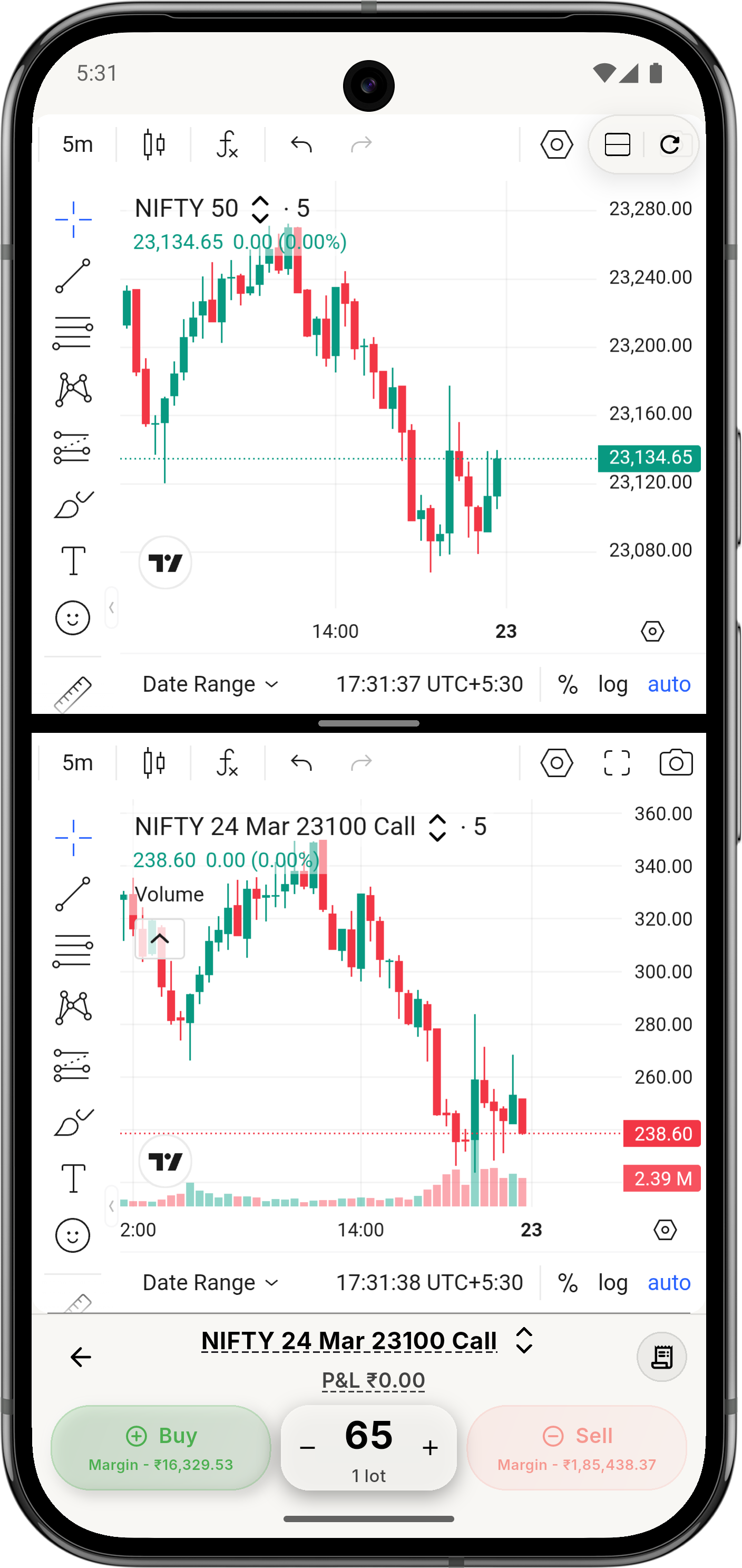
Move from the option chain to the chart without losing context.
No. Beginners can still use it, but it becomes most useful once you’re comfortable moving from your watchlist to the chart.
Yes. Nifty and BankNifty are central index-option use cases for Option Chain in ZeroStake.
Yes. You can move from Option Chain into a simulated trade, then later use Replay Trading, Orders, Portfolio, and P&L Statement.
No. ZeroStake is a simulator. The chain is part of the practice environment, not a broker terminal.